
In today’s connected world, a reliable home WiFi network is as essential as electricity or running water. With a few practical adjustments—most of them simple—you can noticeably boost your WiFi speed and stability without becoming a networking expert. This guide walks through effective, easy-to-apply steps to optimize your home network and get the best performance from your devices.
The Basics of WiFi Performance
 WiFi performance depends on several practical factors: where your router sits, how many devices are connected, and signal interference from other electronics or nearby networks. Understanding these basics helps you prioritize changes that will have the greatest impact—better coverage, fewer dropouts, and faster speeds where you need them most.
Optimal Router Placement
Router placement is one of the quickest wins. Position the router in a central spot in your home, away from thick walls and large metal objects, and elevated off the floor. Avoid placing it inside cabinets or behind TVs. Open, elevated placement helps the signal travel more evenly through the house, reducing dead zones and improving overall throughput.
Consider the construction and layout of your home: concrete, brick, and metal can block signals more than drywall or wood. Small adjustments—moving the router a few feet or changing its orientation—often yield noticeable results without any hardware upgrades.
Minimizing Interference
Interference from other wireless devices can degrade range and speed. Household items such as microwaves, cordless phones, baby monitors, and Bluetooth devices operate on similar frequencies and may disrupt WiFi. Nearby neighbor networks can also cause congestion, especially on the common 2.4 GHz band.
To reduce interference, try changing your router’s channel, switch to the 5 GHz band when possible for less crowded frequencies, and keep noisy devices away from the router. Simple diagnostic tools and smartphone apps can help identify local interference so you can choose a clearer channel.
Regular Maintenance and Updates
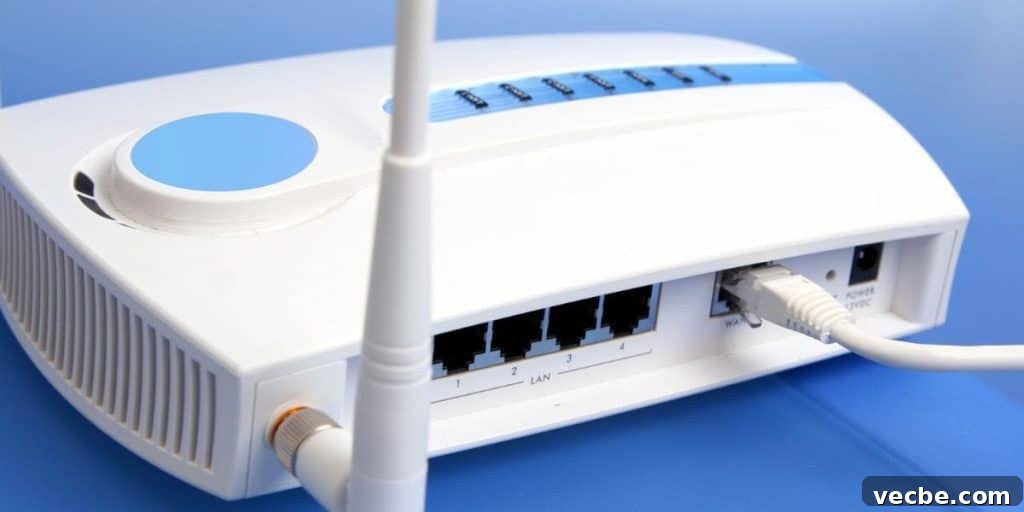
Like any device, routers benefit from periodic care. Keep router firmware up to date to ensure security, stability, and improved performance. A reboot every so often can clear temporary issues and restore speed—many modern routers offer scheduled reboots or one-touch restart options.
Check for firmware updates from your router’s manufacturer and follow their guidance when applying updates. Staying current often resolves bugs and adds optimizations that improve daily performance.
Managing Connected Devices
Households today often run many devices simultaneously—phones, laptops, smart TVs, gaming consoles, security cameras, and IoT gadgets. Too many active devices can saturate your network and slow down critical tasks.
Prioritize devices and services: separate guest access from your main network to keep visitors from using up bandwidth, and consider turning off or restricting bandwidth-hungry devices when not in use. Many routers let you monitor connected devices so you can identify and manage heavy users.
Utilizing Bandwidth Control Features
Modern routers typically include traffic-shaping tools such as Quality of Service (QoS) and bandwidth control. These features let you prioritize important applications—video calls, streaming, or gaming—so they get the bandwidth they need during peak times.
Set up QoS rules to give priority to specific devices or traffic types, and cap bandwidth for nonessential services. Properly configured bandwidth controls create a smoother, more consistent online experience for the tasks that matter most.
Advanced Configuration Tricks

For users comfortable with deeper settings, a few advanced tweaks can help. Changing channels to avoid overlap, enabling band steering so capable devices use 5 GHz, and fine-tuning transmit power can all improve throughput and coverage. Adjusting QoS priorities and separating SSIDs for 2.4 GHz and 5 GHz networks gives you greater control over device behavior.
Take incremental steps and test changes one at a time so you can measure their effect. Documenting settings before you change them makes it easy to revert if needed.
The Role of Mesh Networking Systems
In larger homes or multi-story buildings, a single router may struggle to cover every corner. A mesh WiFi system uses multiple nodes distributed around the house to create a single, seamless network with broader, more consistent coverage.
Mesh systems reduce dead zones and balance device loads across nodes, making them an excellent solution for busy households with many simultaneous users or challenging floor plans.
Enhancing Security Measures
Security directly affects performance and reliability. An open or weakly secured network invites unauthorized users who can consume bandwidth and introduce risks. Use strong, unique passwords, enable modern encryption like WPA3 when available, and keep the router’s administrative interface protected with a secure password.
Enable the router’s firewall and disable remote administration unless you need it. Regularly review connected devices and remove or block anything unfamiliar to keep your network both safe and fast.
Conclusion
Improving home WiFi speed and reliability is largely a matter of thoughtful placement, regular maintenance, and sensible configuration. From optimizing router location and reducing interference to leveraging QoS and considering mesh systems for larger homes, these practical steps will help you get the most from your internet connection.
Consistent, secure WiFi enhances daily life—supporting streaming, work, gaming, and the growing number of smart devices with smoother, more dependable performance.